The Quick Rundown
- Charge your phone between 20% and 80% to protect battery health and extend its lifespan.
- Update software regularly and manage apps to keep your device secure and fast.
- Clean charging ports, speakers, and screens safely to prevent hardware failure.
- Use quality cases and screen protectors to guard against physical damage.
- Know the warning signs that indicate it’s time to see a professional repair technician.
Americans hold onto their smartphones for nearly four years on average before trading them in. Getting to that mark without being held hostage by a sluggish device takes more than luck. Your phone is a precision instrument, and it rewards those who take care of it. Keeping your device in top shape requires a few consistent habits, a little know-how, and the willingness to act before small problems become expensive repairs. This guide covers everything from battery management and physical cleaning to software optimization and security.
The Value of Regular Phone Maintenance
Taking care of your device isn’t just about keeping the screen shiny. Consistent upkeep impacts how well the device functions daily and how long it survives before needing replacement.
- Improves speed and performance: Regular clearing of digital clutter prevents the operating system from becoming bogged down.
- Prevents costly repairs: Catching small issues early stops them from cascading into major hardware failures.
- Extends battery lifespan: Smart charging habits keep the lithium-ion cells healthy for hundreds of additional cycles.
- Maintains resale value: A well-cared-for phone commands a much higher trade-in price when you eventually upgrade.
- Reduces security risks: Keeping software updated patches vulnerabilities that hackers exploit.
7 Practical Hacks to Help Your Phone Run Like New
A solid maintenance routine keeps your device running smoothly. Applying these practical steps will save you from unexpected slowdowns and hardware issues.
Manage Your Phone Software
Software is the brain of your device. Ignoring updates leaves your phone vulnerable to glitches and cyberattacks. Manufacturers release operating system updates to patch security holes and optimize performance. You should install these updates ASAP, preferably setting them to download automatically overnight. Make sure individual apps are also up to date, since developers regularly release bug fixes. Go through your app library every few months and uninstall anything you haven’t opened in a while. A simple reboot once a week clears temporary files and refreshes system processes, making a real difference in responsiveness.
Optimize Storage for Better Performance
A phone stuffed to the brim makes the user experience worse. As storage nears full capacity, the operating system struggles to find room for temporary files. This causes apps to crash or load slowly. Clear the cache for individual apps to resolve sluggishness, or delete and reinstall apps on an iPhone to dump corrupted temporary data. Move photos and videos to cloud storage like Google Drive or iCloud, so your phone doesn’t have to babysit them. Monitor your storage usage in the settings menu to identify which apps consume the most space. Avoiding storage overload keeps the interface snappy.
Safeguard Battery Health
Your phone battery is the engine that drives everything else. Lithium-ion batteries degrade faster at extreme temperatures, so avoid leaving your phone baking in a hot car or sitting in freezing conditions. Let your phone charge between 20% and 80% instead of letting it die completely and charging it to 100%. Use genuine OEM chargers or certified third-party options from reputable brands, since cheap chargers deliver inconsistent voltage that damages the battery. Enable optimized charging features like Apple Optimized Battery Charging or Google Pixel Adaptive Charging to delay the final 20% of a charge until just before you wake up.
Protect and Clean Your Phone
Physical neglect might come back to bite you the hardest. Health experts recommend cleaning your screen daily using a microfiber cloth slightly dampened with 70% isopropyl alcohol. This kills bacteria without stripping the oleophobic coating that guards against fingerprints. A lint-packed charging port is a common cause of slow charging, so power down the phone and carefully clean out lint with a wooden toothpick. Use a clean, dry, soft-bristled brush to gently sweep debris away from speaker grilles. Invest in a quality protective case with raised edges and apply a tempered glass screen protector to absorb scratches and shatter.
Prevent Overheating and Performance Throttling
Heat is a sneaky saboteur that reduces overall battery life and can throttle your phone’s performance. When a device gets too hot, the processor intentionally slows down to prevent internal damage. Close resource-heavy apps like graphic-intensive games or video editors when you’re not actively using them. Reduce screen brightness or enable auto-brightness to cut down on display power consumption, which is a major heat source. Avoid direct sunlight, especially when using the phone for navigation on a car dashboard.
Maintain Network Connectivity and Sensors
It can be extremely frustrating when your phone can’t maintain a stable signal. If you experience persistent drops in Wi-Fi or cellular service, reset your network settings periodically to clear outdated configurations. Keep your GPS, Bluetooth, and NFC features optimized by turning them off when they’re not being used to save a small amount of battery. If your location tracking seems inaccurate, calibrate your sensors by opening your map app and following the on-screen prompts to move the phone in a figure-eight motion.
Ensure Security and Privacy
Your phone holds your banking apps, private messages, and personal photos. Install apps only from trusted sources like the Apple App Store or Google Play Store to avoid malicious software. Many apps request access to your camera, microphone, and location, so go through your app permissions regularly and revoke access for any app that doesn’t actually need it. Enable built-in security features like biometric unlock and set your phone to lock automatically after a short period of inactivity.
Signs Your Phone Needs Professional Maintenance
Even with perfect maintenance, hardware eventually wears out. Knowing when to seek professional help can save you from a much more expensive problem down the road.
- Battery swelling and overheating: If the back of your phone bulges or gets dangerously hot during normal use, the battery is failing and is now a safety risk.
- Cracked screen affecting touch: Cracks allow moisture and dust to enter the device, which can cause corrosion on the motherboard.
- Charging issues despite cleaning: A loose connection or bent pins inside the port require professional repair.
- Persistent lag after resets: If a factory reset does not fix severe sluggishness, you may have a failing internal component.
- Water exposure: If your phone takes a swim, turn it off immediately and have a professional diagnose it before attempting to charge it.
DIY Maintenance vs Professional Phone Care
There is a clear line between what you can handle at home and what requires an expert. Crossing that line can turn a minor issue into a destroyed device.
What You Can Safely Do Yourself
Basic upkeep is entirely in your hands. Cleaning the screen, speakers, and charging port with the right tools extends the life of the hardware. Software management, like updating the operating system and deleting unused apps, keeps the device secure and fast. Storage optimization through cloud backups and cache clearing prevents the phone from getting bogged down.
What Should Be Left to Professionals
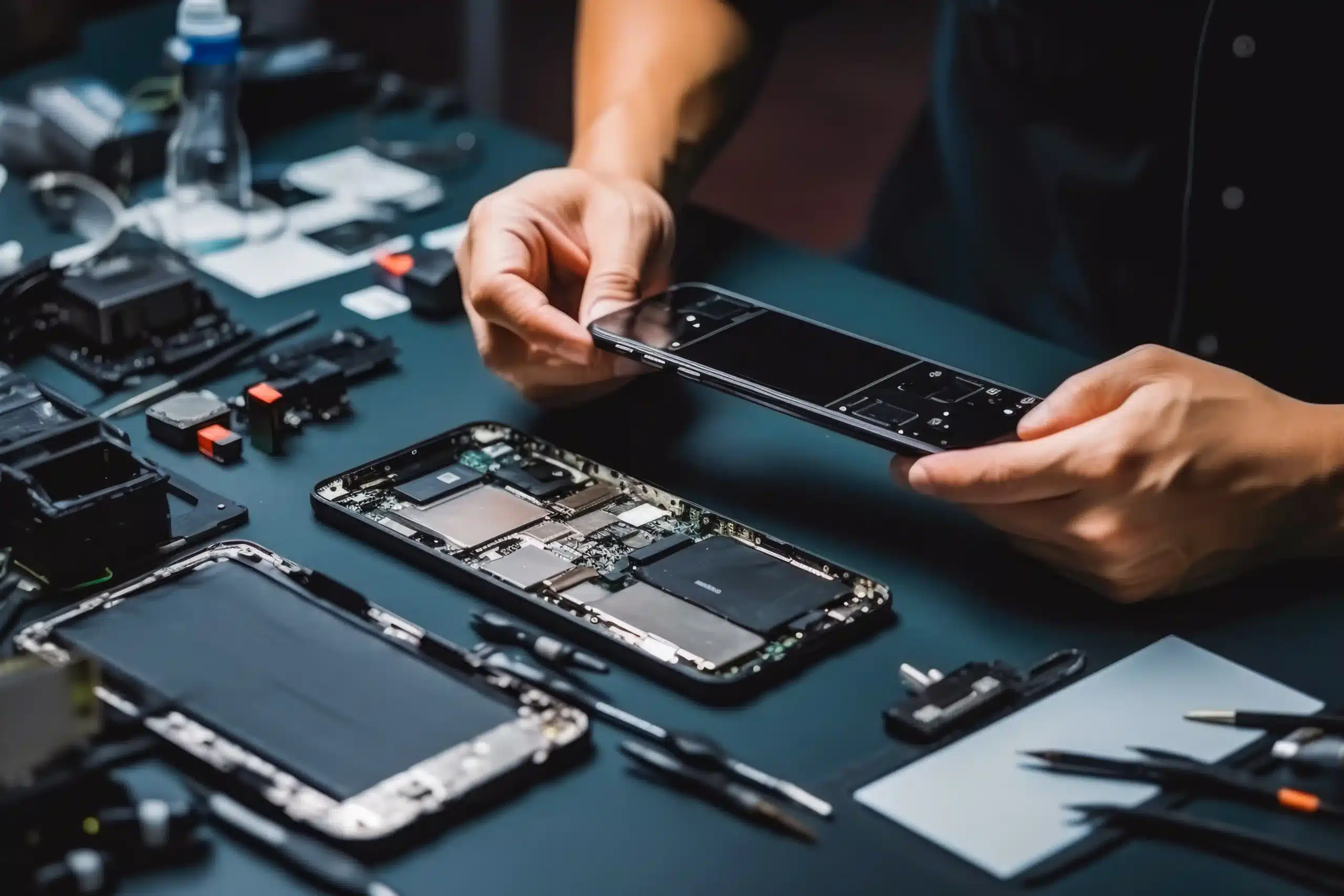
Opening a modern smartphone requires specialized tools and expertise. Battery replacement involves dealing with strong adhesives and delicate ribbon cables that tear easily. Screen repair requires precision to ensure the new display functions correctly and seals properly against the frame. Water damage treatment requires a thorough teardown and cleaning of the motherboard to halt corrosion, not just chucking it into a bag of rice.
Monthly Phone Maintenance Checklist
Consistency makes all the difference. Following a simple routine helps keep your device performing smoothly through years of use.
- Restart phone: A quick reboot clears temporary files and resolves minor glitches.
- Update OS and apps: Check for pending software updates to ensure you have the latest security patches.
- Clear cache and storage: Delete unused apps and offload big files to the cloud.
- Inspect the charging port: Use a wooden toothpick to gently remove any accumulated lint.
- Review battery health: Check your settings to see if the battery capacity has dropped significantly.
Summary
Keeping your phone running like new is all about small, consistent habits rather than magic fixes. Charging smarter, cleaning gently, and updating regularly keep your device performing smoothly. Protect your investment with quality accessories and know when to call in the experts. At 911 Phone Repair, we bring over a decade of collective technical experience to every repair, ensuring your device is fixed right the first time. We complete most repairs in 1 to 2 hours, using genuine OEM parts when available.
Frequently Asked Questions(FAQs)
Does phone maintenance really improve performance?
+Is it safe to clean my phone myself?
+Why does my phone slow down over time?
+Should I turn off my phone regularly?
+Does using a phone case cause overheating?
+Can software updates harm older phones?
+How long does a well-maintained phone last?
+References
- SellCell. How Often Do People Upgrade Their Phone? (2026 Statistics). https://www.sellcell.com/blog/how-often-do-people-upgrade-their-phone/
- RecirQ. How Long Do Smartphones Last? Plus 5 Ways to Extend Lifespans. https://www.recirqglobal.com/blog/how-long-do-smartphones-last-plus-5-ways-to-extend-lifespans