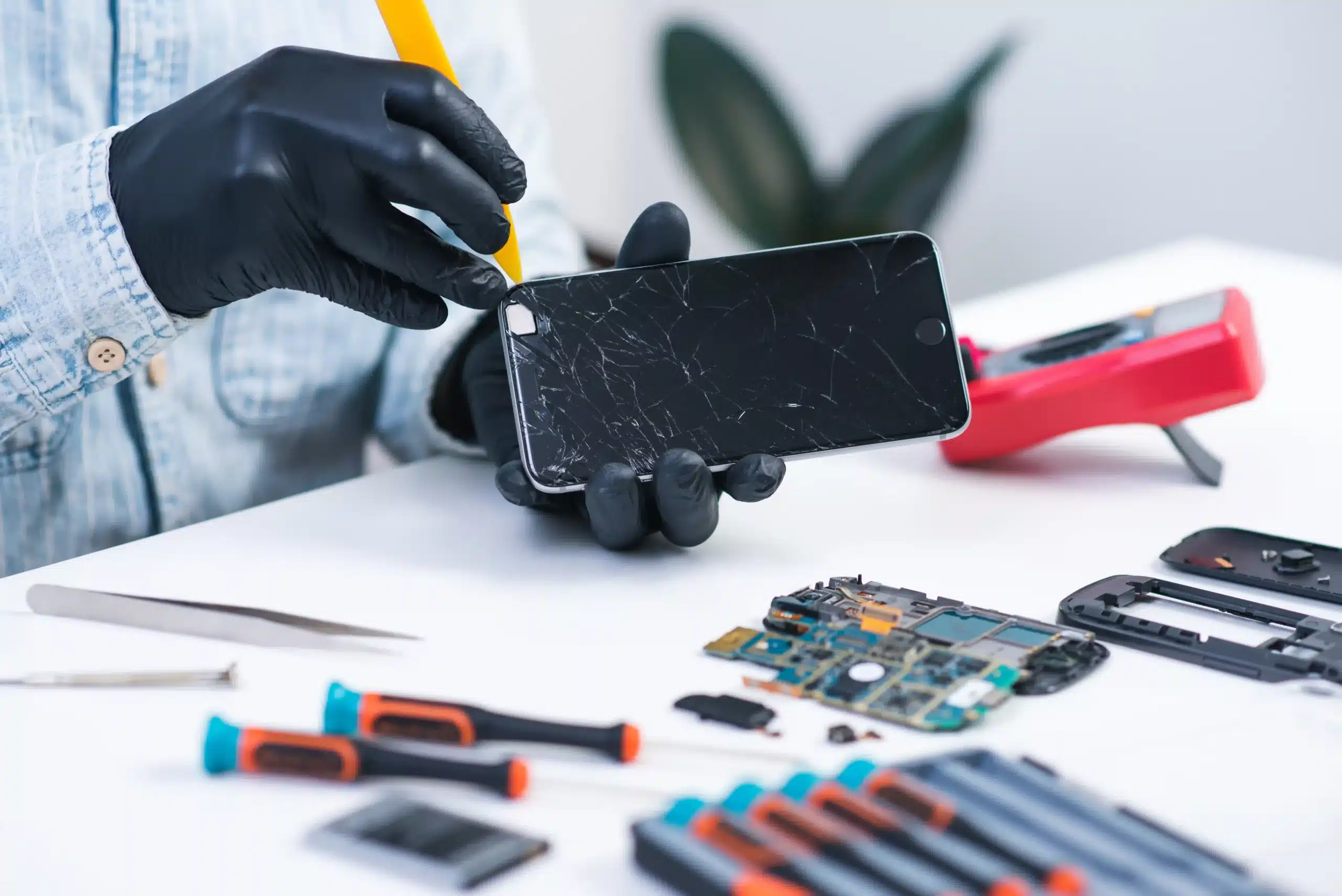
That split-second panic when your phone hits the floor face-first is basically a universal experience at this point, right up there with accidentally liking an old photo while stalking someone’s (probably an ex’s) Instagram, or waving back at someone who was actually waving to the person behind you. Sometimes the screen looks fine, only to start acting up days later with cracks, dead spots, or a display that resembles modern art. Knowing the warning signs early can save a lot of frustration and money before things get worse. This blog covers everything from spotting the red flags to understanding how to replace a phone screen when the time finally comes.
Understanding Phone Screen Components
The glass rectangle you stare at all day is actually several layers, each doing very different jobs behind the screen. Here is what each component brings to the table.
1. Outer Glass
The outer glass sits at the very top of the screen, acting as the first barrier between your phone and the outside world. A crack in this layer doesn’t always spell disaster since the touch and display functions beneath it can continue working normally. Leaving it damaged, however, gives moisture and debris an open invitation to reach the more sensitive components hiding inside the phone.
2. Digitizer (Touch Layer)
Right below the outer glass is the digitizer, an ultra-thin transparent sensor that reads every tap, swipe, and pinch and turns it into commands the phone can understand. Damage to this layer tends to produce some unsettling behavior, such as entire sections of the screen going unresponsive or the phone suddenly acting on inputs nobody made. Since the digitizer is bonded to the rest of the screen assembly on most modern devices, a faulty one typically means the full screen unit needs to be completely replaced rather than just the affected layer.
3. Display (LCD/OLED)
The display panel is the deepest layer of the assembly and the one responsible for every image and color you see on the screen. LCD panels work by passing a backlight through liquid crystals, while OLED panels produce their own light per pixel, giving them richer contrast and truer blacks. Damage here usually appears as dark spots, colored lines, or burn-in on OLED screens caused by a static image sitting too long in one place, and solving any of these issues almost always needs a full-screen replacement.
Clear Signs Your Phone Needs a Screen Replacement
Phones aren’t always subtle when something goes wrong with the screen. Here are some signs that it’s time to stop pretending everything’s fine.
1. Cracked or Shattered Glass
What starts as a hairline crack has a sneaky way of turning into a full-on spiderweb overnight. Beyond the obvious cosmetic damage, broken glass creates gaps that let moisture and dust work their way down to the sensitive internal components. Catching this problem early is always recommended to avoid being unable to access important data at an inconvenient time.
2. Touchscreen Not Responding Properly
A touchscreen that ignores commands or starts acting on its own is not developing a personality; it’s telling you the digitizer layer inside is damaged. Fractured sensors or a loose motherboard connection are usually behind dead zones and phantom inputs. Because the touch and display layers are bonded together, the whole screen assembly usually needs to go.
3. Flickering or Flashing Screen
Random flickering is the screen’s version of a distress signal, usually pointing to a struggling display panel or failing connector cables. If it flickers even during startup or gets worse when you apply pressure, a dying flex cable is very likely involved.
4. Black Spots, Lines, or Dead Pixels
Lines slicing across the display and dark blotches that weren’t there yesterday both indicate physical damage inside the panel. Dead pixels are permanent residents that no app can evict, and since these issues tend to spread, a replacement is the only way to stop them.
5. Screen Goes Completely Black, But Phone Is On
Hearing a notification while staring at a completely dark screen is a disturbing experience. It usually means the display assembly or its cable connection to the motherboard has given up, and a force restart will only get you so far before a proper fix becomes unavoidable.
6. Discoloration or Yellow Tint
A yellow tint that survives every filter and display setting adjustment is a sign that the screen is getting old. OLED panels are really prone to this since blue pixels fade faster than the other types, slowly pulling the color balance in the wrong direction, like a bad Insta filter.
7. Screen Burn-In or Image Retention
When a ghost of your navigation bar starts haunting every screen you open, that’s burn-in, and it’s not going away on its own. Unlike temporary LCD ghosting, OLED burn-in is a permanent change to the pixel material that gets more distracting over time until a replacement becomes the only smart move.
Signs That Look Serious But May Not Require Screen Replacement
Phones have a special talent for making minor issues look catastrophic, so not everything that seems major actually needs a repair. Here are some situations where you can catch a breath before reaching for your wallet.
1. Minor Surface Scratches
A few scratches on the outer glass are essentially just battle scars with no effect on how your phone performs. Touch sensitivity and display quality underneath remain completely unaffected, and a tempered glass screen protector can hide the evidence without costing you too much.
2. Temporary Touch Lag
When your screen starts responding like it’s running on dial-up, the digitizer is usually not the one to blame. An overwhelmed processor or a greedy background app is much more likely to cause the slowdown.
3. Display Glitches After Software Updates
A screen that starts acting strangely immediately after an update is practically pointing the finger at the software and confessing. Booting into Safe Mode tells you everything you need to know, since real hardware damage doesn’t suddenly take a break there, but software conflicts disappear almost immediately. If things look normal in Safe Mode, a cache wipe or a factory reset is your fix, and replacing the screen would’ve been a very expensive mistake.
How to Tell If the Problem Is Related to Software or Hardware
Not every screen issue means your phone is done for. Here’s how to play detective before jumping to conclusions.
1. Perform Basic Troubleshooting
A simple restart clears temporary memory and fixes more problems than most people expect, so it’s always the smartest first move. Android users can go further with a Safe Mode test, which boots the phone without third-party apps and quickly identifies any rogue app causing trouble. Once everything clears up in Safe Mode, the hardware is completely innocent. For iPhones, a force restart using the volume button sequence and holding the side button can wake up an unresponsive display when a regular restart simply refuses to cooperate.
2. External Display Test
Taking a screenshot of the problem and viewing it on another device is surprisingly helpful. If the screenshot looks completely normal, the phone’s brain is working fine, and the screen itself is the culprit. Mirroring to an external display confirms the same thing, since a flawless picture on the TV while your phone screen flickers points straight at a failing internal panel.
3. Evaluate the Physical Damage History
A phone that’s been dropped, soaked, or sat on gets damage that sometimes takes days to fully show up. If screen issues appeared shortly after these kinds of events, no amount of software troubleshooting will help because the problem was physical from the get-go.
Glass Replacement vs. Full-Screen Replacement
Learning the difference between these two kinds of replacements can help you pick the right repair and save you a ton of money.
When Glass-Only Replacement Is Enough
If the display is still bright and clear and the touchscreen responds to every tap, the damage hasn’t made it past the outer glass layer, which is actually great news for your wallet. A glass-only repair can cost up to 50% less than a full assembly swap, and since your original panel stays put, features like True Tone and color accuracy keep working exactly like they should. The one thing worth knowing is that separating the glass from the display under it takes specialized equipment and a genuinely skilled technician, so this option is only as good as the hands performing it.
When Full-Screen Replacement Is Necessary
When black spots, flickering, dead zones, or lines start appearing on your display, the damage has traveled way past the outer glass, and no amount of blind optimism is going to fix it. A full-screen assembly replacement fixes the internal display and digitizer damage the right way while also restoring the phone’s moisture seals and structural integrity in one visit. The cost stings a little more upfront, but it beats discovering that hidden damage was quietly making things worse under a brand new piece of glass.
Risks of Using a Damaged Phone Screen
That spiderweb of cracks is more than just an ugly eyesore. Here’s what’s quietly going wrong with your screen.
- Worsening internal damage: A cracked screen breaks the phone’s protective seal, giving moisture and dust a free pass to the internal components.
- Touch failure emergencies: Ghost touches and dead zones show up at the worst possible moment, making your phone about as reliable as a coin flip.
- Eye strain and reduced visibility: Reading through a cracked display becomes a workout your eyes never agreed to take on.
- Risk of glass cuts: Shattered glass breaks into tiny sharp splinters that can cut your fingertips while texting, graze your face during a call, and even hitch a ride in your bag or pocket.
How to Prevent Screen Damage in the Future
Your screen‘s been through enough, and a few simple gadgets and habits can keep it that way for a long time.
- Tempered glass screen protector: A 9H hardness-rated protector acts as a loyal bodyguard for your display, taking the scratches and the impact so your actual screen never has to.
- Shock-absorbent case: A case with reinforced corners and raised bezels keeps your screen at a safe distance from the ground, even when gravity has other plans for your phone.
- Avoiding pressure damage: Stuffing your phone into a tight pocket or piling things on top of it puts your display under the kind of stress it definitely didn’t sign up for.
- Safe storage habits: Your phone and your keys are not friends, so keep them in separate compartments to save your screen from a slow and scratchy fate.
Summary
A cracked screen is never just a cosmetic problem, and knowing what to look for early is already half the battle. From dead pixels and ghost touches to software glitches that look scarier than they actually are, not every screen issue means your phone is hopeless. That said, when the damage is done, delaying a repair usually makes things worse and more expensive. Bring your device to 911 Phone Repair in OKC and let the local experts handle it right the first time, backed by a warranty on every repair, including a lifetime warranty on premium quality screens.
Frequently Asked Questions(FAQs)
References
- Danauskaitė, S. “What Is Safe Mode on Android, and How to Turn It Off.” Surfshark, August 24, 2025. https://surfshark.com/blog/safe-mode-android#:~:text=To%20resolve%20frequent%20crashes%20or,is%20back%20to%20running%20smoothly.